

Migrate to WordPress and Turn Your Website into a Growth Engine
Key Features

Any CMS-to-WordPress Migration
We migrate your entire website from any CMS, open-source, proprietary, or headless, into WordPress without data loss. From web pages and blog posts to custom content types, media files, and databases, everything is transferred accurately and securely.

Custom Content & Field Mapping
Since each CMS follows a unique content structure, we precisely transfer your content models, structures, fields, and much more into WordPress custom post types & Custom Fields, maintaining data integrity and functionality throughout the migration.

Zero-Downtime Migration Approach
Your live site stays accessible during the migration process. We perform migrations in a staging environment and switch only when everything is tested and approved, minimizing disruption to users and search engines.

Design Recreation or Enhancement
We’ll recreate your existing design in WordPress while making thoughtful improvements to speed, usability, and conversions without changing the look and feel that defines your brand.

Performance-Optimized WordPress Setup
Migration isn’t just about moving data. We fine-tune your new WordPress setup for speed, scalability, and security, so pages load quickly today, and your site is ready to grow with you. If needed, our team can also help you pick the right WordPress hosting and set up your domain before the migration starts, so everything is in place for a smooth transition.


Why WPoets Is Different
Other Agencies
-
Many agencies move content but ignore performance, structure, and SEO continuity.
-
Often overlook SEO during migration, causing broken links, downtime, or weak security that can reduce search engine rankings, lose SEO equity, and hurt visibility once the site goes live.
-
Offer limited help once the new site is live and issues start to appear.
-
Depend on generic, one‑size‑fits‑all processes that ignore your specific business needs.
-
Risk outages and disruption when switching platforms for busy, revenue‑critical websites.
WPoets
-
We ensure a complete WordPress site migration, including data, fields, media, functionality, and SEO integrity.
-
Execute SEO-safe migrations with precise redirects, metadata mapping, and URL structure preservation
-
We improve your site’s speed and stability during migration, helping protect rankings and meet Core Web Vitals right from launch when moving to a new host.
-
Follow a tested, launch-ready migration framework designed for zero downtime and mission-critical websites
-
We plan your migration carefully so your site stays up and running smoothly, with no downtime during the launch.
CMS Platforms We Migrate From


Joomla to WordPress

Move your site from Joomla to WordPress to simplify content management and boost performance.
Typo3 to WordPress

Migrate complex TYPO3 sites to WordPress with reusable templates, structured content, and preserved URLs.
Expression Engine to WordPress

Upgrade Expression Engine websites to modern WordPress builds that are easier to use and maintain.
Silverstripe to WordPress

Transition from Silverstripe to WordPress with organized content, flexible theming, and long-term maintainability.


Liferay to WordPress

Switch from Liferay to WordPress to make content more user-friendly, speed up your site, and boost SEO.
Optimizely to WordPress

Migrate Optimizely CMS content to WordPress while maintaining URL structure and SEO settings.
Contentful to WordPress

Move from Contentful to WordPress with structured content migration & carefully preserved content relationships.
Strapi to WordPress

Convert Strapi headless content into WordPress with flexible custom post types and full editorial control.
Prismic to WordPress

Migrate from Prismic to WordPress while maintaining layouts, content relationships, and SEO metadata.
Craft CMS to WordPress

Upgrade from Craft CMS to WordPress to manage content effortlessly, update smoothly, and scale publishing.


Wix to WordPress

Shift from Wix to WordPress to gain better SEO, faster load times, and lasting scalability.


Our Migration Process
01 Initial Consultation & Site Audit
We start by auditing your existing website and tech stack, documenting content types, templates, media, user roles, and integrations. This helps us understand your existing CMS content structure and define a migration strategy tailored to your goals. For existing WordPress sites, the audit examines your site files, database, and plugin settings before creating the migration plan.
01Initial Consultation & Site Audit
We start by auditing your existing website and tech stack, documenting content types, templates, media, user roles, and integrations. This helps us understand your existing CMS content structure and define a migration strategy tailored to your goals. For existing WordPress sites, the audit examines your site files, database, and plugin settings before creating the migration plan.
02 Migration Strategy & Planning
Next, we create a tailored migration plan. We map your current content models, URLs, custom functionality, and design components to WordPress pages, posts, custom post types, and custom fields, ensuring structural and SEO continuity. For migrations to a new hosting provider, the plan outlines the destination server, site setup, database name, and login credentials ahead of time.
02Migration Strategy & Planning
Next, we create a tailored migration plan. We map your current content models, URLs, custom functionality, and design components to WordPress pages, posts, custom post types, and custom fields, ensuring structural and SEO continuity. For migrations to a new hosting provider, the plan outlines the destination server, site setup, database name, and login credentials ahead of time.
03 Data Migration & Import
Using a mix of automated (custom scripts) and manual processes, we migrate all content, media, and users into WordPress. When you move to a new domain, we also make sure to swap out the old domain in URLs and other references, so all your links and media keep working properly. Internal links, navigation, & content hierarchy are preserved for a seamless experience.
03Data Migration & Import
Using a mix of automated (custom scripts) and manual processes, we migrate all content, media, and users into WordPress. When you move to a new domain, we also make sure to swap out the old domain in URLs and other references, so all your links and media keep working properly. Internal links, navigation, & content hierarchy are preserved for a seamless experience.
04 WordPress Design & Development
You can keep your current look & feel of the website or redesign it with a modern, responsive look. Our WordPress builds are fast, mobile-friendly, and easy to manage using the Gutenberg editor.
04WordPress Design & Development
You can keep your current look & feel of the website or redesign it with a modern, responsive look. Our WordPress builds are fast, mobile-friendly, and easy to manage using the Gutenberg editor.
05 Testing & Quality Assurance
Before launch, we conduct thorough testing across the staging environment to ensure every page, feature, internal link, and form functions flawlessly. QA also includes checking permalinks so the new site’s URL structure matches the old site. This includes validating third-party integrations, checking site speed, and ensuring mobile responsiveness to guarantee optimal performance and a smooth launch experience. We also check for broken links and fix them with find-and-replace updates wherever old URLs are causing issues. Plus, we keep an eye out for 500 Internal Server Errors, since those usually come back to a problem in the .htaccess file.
05Testing & Quality Assurance
Before launch, we conduct thorough testing across the staging environment to ensure every page, feature, internal link, and form functions flawlessly. QA also includes checking permalinks so the new site’s URL structure matches the old site. This includes validating third-party integrations, checking site speed, and ensuring mobile responsiveness to guarantee optimal performance and a smooth launch experience. We also check for broken links and fix them with find-and-replace updates wherever old URLs are causing issues. Plus, we keep an eye out for 500 Internal Server Errors, since those usually come back to a problem in the .htaccess file.
06 Launch & Ongoing Support
We handle everything from launch to post-launch support, making sure your WordPress site goes live smoothly with minimal downtime. During the server transition, we update key settings like the wp-config.php file and DNS records so your site connects properly to the new web host. DNS changes can take anywhere from 48 to 72 hours to fully propagate. During the final cutover, you may need to enable maintenance mode to prevent content changes until the update is complete. Once live, we closely monitor the new server, perform post-launch checks, and continue supporting you with security updates, performance improvements, and team training to keep everything running reliably.
06Launch & Ongoing Support
We handle everything from launch to post-launch support, making sure your WordPress site goes live smoothly with minimal downtime. During the server transition, we update key settings like the wp-config.php file and DNS records so your site connects properly to the new web host. DNS changes can take anywhere from 48 to 72 hours to fully propagate. During the final cutover, you may need to enable maintenance mode to prevent content changes until the update is complete. Once live, we closely monitor the new server, perform post-launch checks, and continue supporting you with security updates, performance improvements, and team training to keep everything running reliably.
Our Expertise
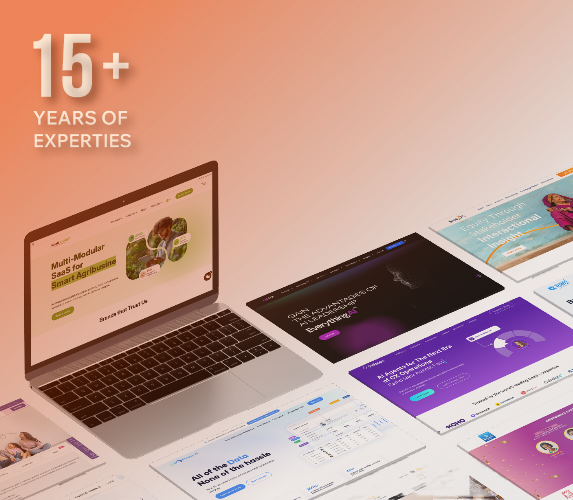
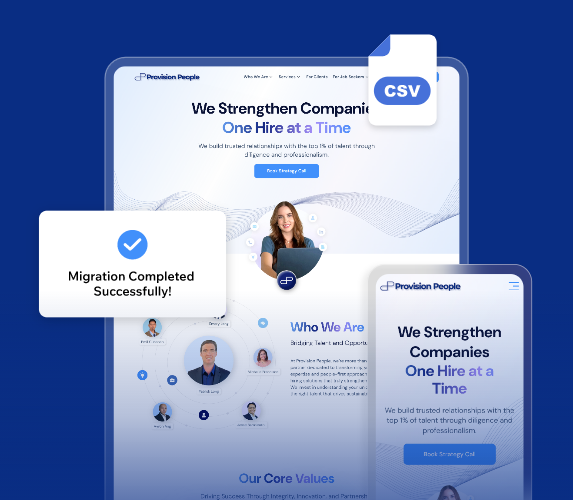
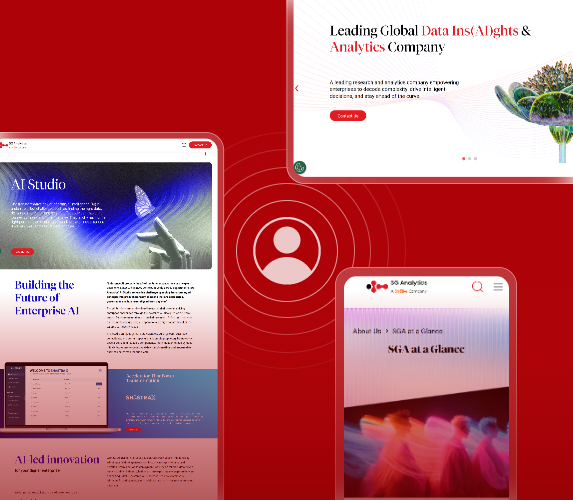
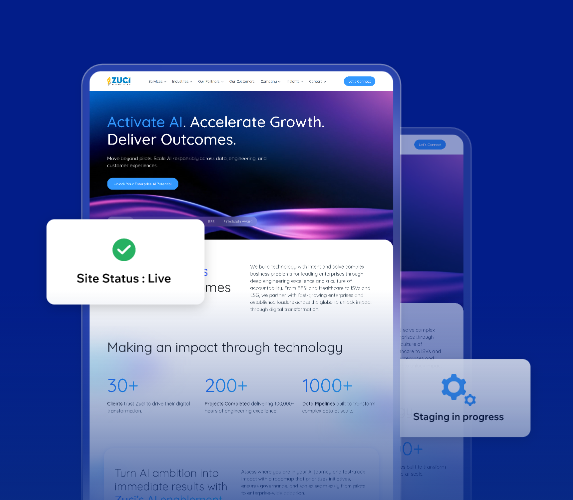
15+ Years of WordPress Migration Experience
With 15+ years of WordPress engineering expertise, we help businesses move from any CMS to WordPress while preserving design, functionality, and content integrity.
Large-Scale Site migrations
We’ve successfully migrated complex websites with large content libraries, media assets, custom workflows, & advanced access controls, maintaining performance, stability, and scalability.
UI/UX & Navigation Improvements
We don’t just migrate content; we improve UI/UX and navigation, without changing your brand’s look and feel.
Proven Zero-Downtime Process
Our staging-first, thoroughly tested process keeps your live site running throughout the migration, ensuring a smooth transition without disruption to users or search engines. The workflow is designed to migrate your WordPress site smoothly, even when switching infrastructure behind the scenes.

Why Choose Us?
01
Expert-Led WordPress Migration
Your project is handled by experts who specialize in WordPress migrations, so they can migrate WordPress environments using the right method for your site’s complexity, reducing risk and delays while resolving issues faster and keeping everything running smoothly.
02
Pre-Migration Risk Assessment
We identify CMS-specific risks, technical constraints, and integration issues before migration begins, preventing issues during and after the transition. Pre-migration planning also includes a full backup strategy aligned with the 3-2-1 rule.
A complete WordPress backup should include both your website files and your database. Export the database as a .sql file, and use an FTP client to download all your WordPress files so you have everything needed to restore your site if required.
03
Smart, Scalable WordPress Platforms
We create WordPress sites that are clean, easy to maintain, and free of unnecessary plugins or technical debt, enabling easy updates and scaling.
If it fits your situation, a decent migration plugin can really simplify things too, especially one that’s easy to use so you’re not reinventing the wheel every time you switch hosts.
04
Launch & Ongoing Support
We stay with you after launch, monitoring performance, fixing issues, and keeping your site running smoothly.
That also includes validating the destination site on the destination server after the upload process is complete.
What Client Say
What Client Say


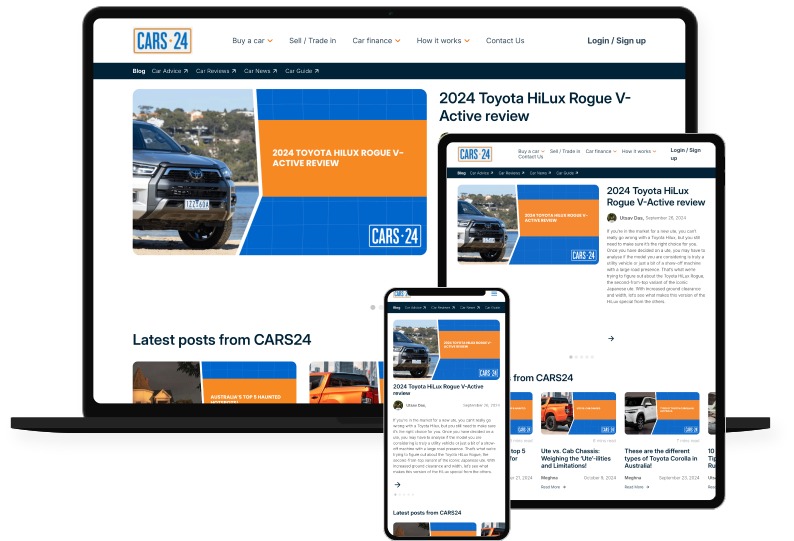
“We needed more than just a new blog; we needed a content engine. The WPoets team didn’t just migrate our blog; they made it better, faster, and future-proof. It’s now a platform our content team enjoys working on every day.”

– Marketing Lead, Cars24 Australia

– Marketing Lead, Cars24 Australia
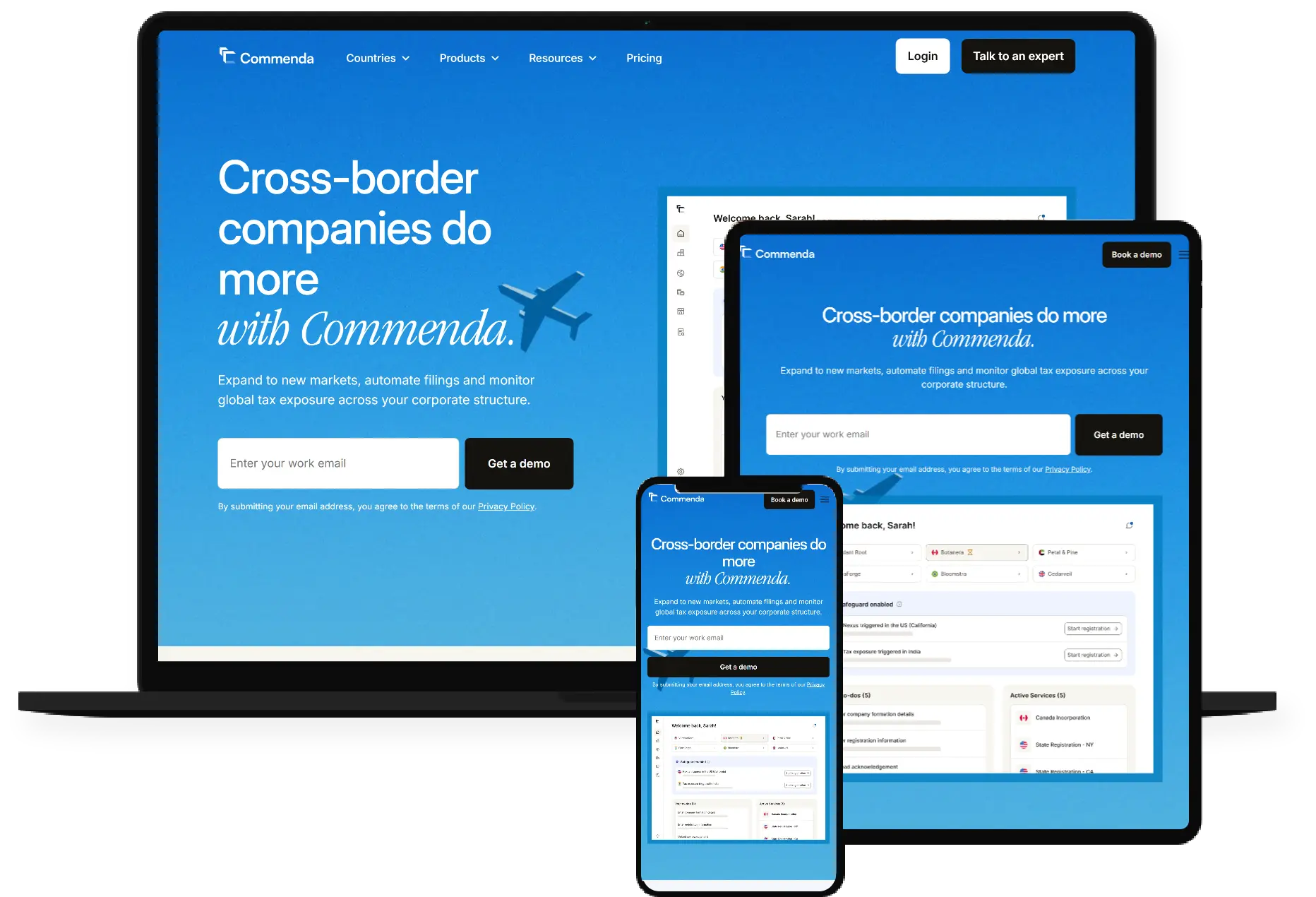
The new platform is intuitive, fast, and visually stunning. It aligns perfectly with our brand and offers a seamless booking experience for our customers. The team at WPoets Technology exceeded our expectations.

FAQ
How do you manage a WordPress migration from beginning to end?
We begin every WordPress migration by closely reviewing your current site, its content, design, integrations, and structure. From there, depending on the project, our team may migrate a WordPress site using scripted workflows, export/import tools, or carefully managed manual migration steps in a secure staging environment.
WP Migrate Lite exports all files needed to recreate your site, making migrations more efficient for many WordPress environments. WordPress also provides guidance for moving sites between servers without reinstalling, which helps ensure a reliable migration process.
Before launch, we rigorously test for accuracy, performance, and SEO, then roll out a smooth go-live with minimal disruption.
How long does it usually take to migrate a website to WordPress?
What if my existing CMS setup is highly customized?
That’s not an issue. We start by understanding how your platform works, its custom logic, content structure, integrations, and workflows. We rebuild those features in WordPress with the right mix of tools, keeping things simple and working exactly as they should.
Can you recreate my existing website design in WordPress?
Will the WordPress migration impact my SEO rankings?
We handle your migration with SEO in mind, keeping URLs, metadata, and internal links intact, and setting up 301 redirects where needed.
If your website stays on the same domain, preserving the existing URL structure is usually much easier. If you’re moving to a new domain, our team carefully manages redirects and URL updates to help protect your SEO and maintain search visibility.
There might be small short-term fluctuations, but our approach helps your site stay visible and steady in search results.
How do you ensure my data remains secure during the WordPress migration?
Your data’s safety is our main focus during migration. We perform all work in secure staging environments, limit access to authorized team members only, and take full backups before making the site live.
For a WordPress website migration, teams may also use FTP to back up site files before changes go live. We handle sensitive data with care, and nothing goes live until it’s fully tested and approved by your team, keeping your information safe every step of the way.
Backups can also be stored offsite in case the destination server has issues.
How much does a WordPress migration typically cost?
Do you provide support after the WordPress site goes live?
Yes. We stick around after your migration to make sure everything runs smoothly. That means monitoring your site, fixing any issues, helping with updates, and guiding your team so you feel confident managing your new WordPress site.
I’ll also help with secure backups and keeping your plugin settings stable post-launch. We also offer fully managed support and maintenance plans. Please get in touch with us for your customized requirements.
If you have reached here. Hop onboard!
And get ready to do more with your website. Just click the button below and someone from our team shall get in touch with you.


