
Webflow to WordPress Migration: Goodbye to Limits, Transition to WordPress Freedom!
Let’s face it, your creativity deserves a platform that scales with your ambitions. Migrate from Webflow to WordPress and unlock unmatched customization, SEO power, and user engagement.
Why Webflow to WordPress Migration Service Matters
Freedom, Flexibility, and Features All in One Move
Webflow is a great starting point, but as your business grows, so do your needs. WordPress offers the flexibility, scalability, and power that businesses crave, though unlike Webflow’s all-in-one setup it requires separate wordpress hosting, which gives you more control and lets you choose the right hosting provider as your site grows. By migrating your website to WordPress, you gain full control over your website while leveraging advanced SEO tools, plugins, and customization options.
Most WordPress themes are free or affordable, but investing in custom WordPress development tailored to your business can deliver better performance, security, and a truly unique experience.
Did you know:
• WordPress powers 43% of all websites globally.
• Businesses using WordPress experience a 30% increase in organic traffic due to superior SEO capabilities.
• With over 59,000 plugins, WordPress ensures there’s a solution for every need.
Key features
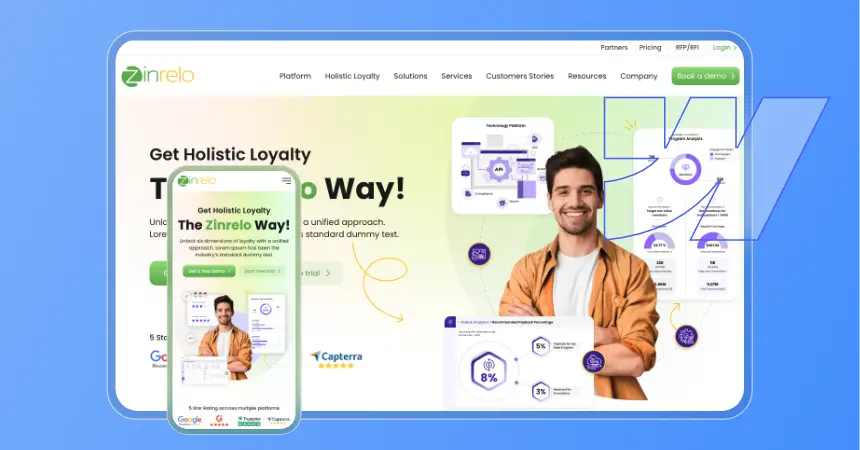
We seamlessly migrate your Webflow content, including pages, images, and forms, to WordPress while minimizing disruption to your website. Since Webflow’s proprietary design structure doesn’t transfer directly, we carefully recreate the layouts in WordPress to preserve the look, functionality, and user experience of your original site. The result is a smooth transition with little to no downtime during launch.
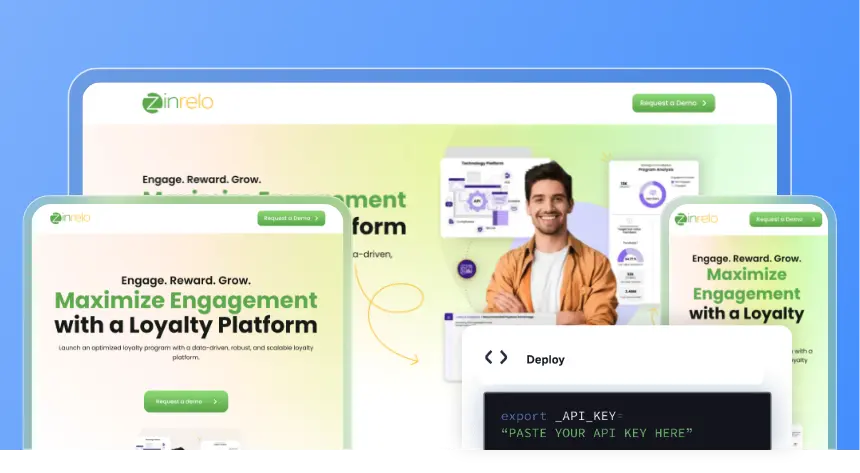
Recreate the custom layouts from your webflow site or craft a brand-new look tailored to your branding, since Webflow’s proprietary design layouts cannot be directly converted to WordPress themes. A page builder can then rebuild those designs with a visual editing experience similar to the webflow designer.
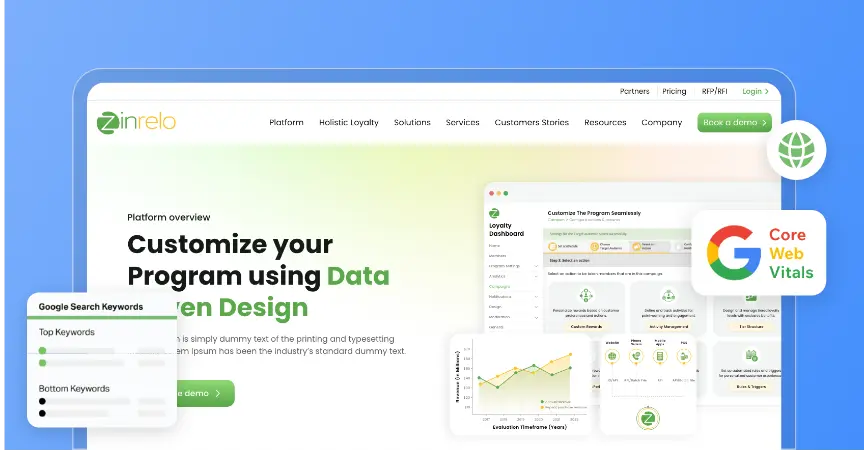
Leverage WordPress’s robust SEO plugins and features to improve search engine rankings. Configure permalinks to preserve your url structure and maintain seo rankings, and match old urls where possible to avoid broken links. SEO plugins are important for managing metadata such as meta descriptions and for planning 301 redirects when URLs change; a plugin like Redirection can help handle those redirects cleanly.
Build a website that grows with your business by choosing the right hosting environment for future traffic, from shared hosting early on to enterprise-grade WordPress development for large-scale growth as needs change.
Add advanced features like e-commerce, analytics, and marketing automation through WordPress plugins, and extend functionality further with enterprise WordPress API integrations for your critical systems.
Implement advanced security measures to protect your site from potential threats post-migration.
01Seamless Webflow to WordPress Migration
We seamlessly migrate your Webflow content, including pages, images, and forms, to WordPress while minimizing disruption to your website. Since Webflow’s proprietary design structure doesn’t transfer directly, we carefully recreate the layouts in WordPress to preserve the look, functionality, and user experience of your original site. The result is a smooth transition with little to no downtime during launch.
02Custom Theme Development
Recreate the custom layouts from your webflow site or craft a brand-new look tailored to your branding, since Webflow’s proprietary design layouts cannot be directly converted to WordPress themes. A page builder can then rebuild those designs with a visual editing experience similar to the webflow designer.
03Enhanced SEO Tools
Leverage WordPress’s robust SEO plugins and features to improve search engine rankings. Configure permalinks to preserve your url structure and maintain seo rankings, and match old urls where possible to avoid broken links. SEO plugins are important for managing metadata such as meta descriptions and for planning 301 redirects when URLs change; a plugin like Redirection can help handle those redirects cleanly.
04Scalable Architecture
Build a website that grows with your business by choosing the right hosting environment for future traffic, from shared hosting early on to enterprise-grade WordPress development for large-scale growth as needs change.
05Plugin Integration
Add advanced features like e-commerce, analytics, and marketing automation through WordPress plugins, and extend functionality further with enterprise WordPress API integrations for your critical systems.
06Security Optimization
Implement advanced security measures to protect your site from potential threats post-migration.
Process we follow
01 Initial Consultation
We start by understanding your Webflow website, business goals, and migration needs. We review your site’s content, structure, integrations, SEO settings, and key features to ensure everything important is carried over. Based on this review, we create a migration plan for a smooth and successful move to WordPress.
01Initial Consultation
We start by understanding your Webflow website, business goals, and migration needs. We review your site’s content, structure, integrations, SEO settings, and key features to ensure everything important is carried over. Based on this review, we create a migration plan for a smooth and successful move to WordPress.
02 Content Audit & Backup
Before the migration begins, we carefully review your Webflow website and create a secure backup of all essential content and assets. This includes pages, images, forms, and other important data to ensure everything is protected throughout the transition. If your project also involves an existing WordPress site, we can back up the database, plugins, and site settings as an extra precaution. For added peace of mind, Webflow also allows you to create a site backup using the Command + Shift + S shortcut before any migration work starts.
02Content Audit & Backup
Before the migration begins, we carefully review your Webflow website and create a secure backup of all essential content and assets. This includes pages, images, forms, and other important data to ensure everything is protected throughout the transition. If your project also involves an existing WordPress site, we can back up the database, plugins, and site settings as an extra precaution. For added peace of mind, Webflow also allows you to create a site backup using the Command + Shift + S shortcut before any migration work starts.
03 Design Mapping
Plan the design—replicate the existing Webflow look or create a new WordPress theme. When moving cms content from webflow cms, map each item carefully into the right wordpress fields. Dynamic content also needs specific handling during design mapping.
03Design Mapping
Plan the design—replicate the existing Webflow look or create a new WordPress theme. When moving cms content from webflow cms, map each item carefully into the right wordpress fields. Dynamic content also needs specific handling during design mapping.
04 Migration & Setup
Export Webflow’s CMS collections as a csv file for the import process into WordPress. We use WP All Import to pull all your data into WordPress and make sure every field lands in the right place. Assets get downloaded locally and re-uploaded to the new site so nothing gets left behind. Once everything’s in order and the site is ready, we update the DNS and you’re live.
04Migration & Setup
Export Webflow’s CMS collections as a csv file for the import process into WordPress. We use WP All Import to pull all your data into WordPress and make sure every field lands in the right place. Assets get downloaded locally and re-uploaded to the new site so nothing gets left behind. Once everything’s in order and the site is ready, we update the DNS and you’re live.
05 Customization & Testing
Before we ever touch your domain, we set up the new site in a staging environment tweaking the theme, adding the right plugins, and putting everything through its paces. We check for broken links, test performance, and make sure nothing’s out of place. We’ll even run it through Google Search Console to catch any crawl errors early. Only once we’re confident everything looks and works perfectly do we point your domain over.
05Customization & Testing
Before we ever touch your domain, we set up the new site in a staging environment tweaking the theme, adding the right plugins, and putting everything through its paces. We check for broken links, test performance, and make sure nothing’s out of place. We’ll even run it through Google Search Console to catch any crawl errors early. Only once we’re confident everything looks and works perfectly do we point your domain over.
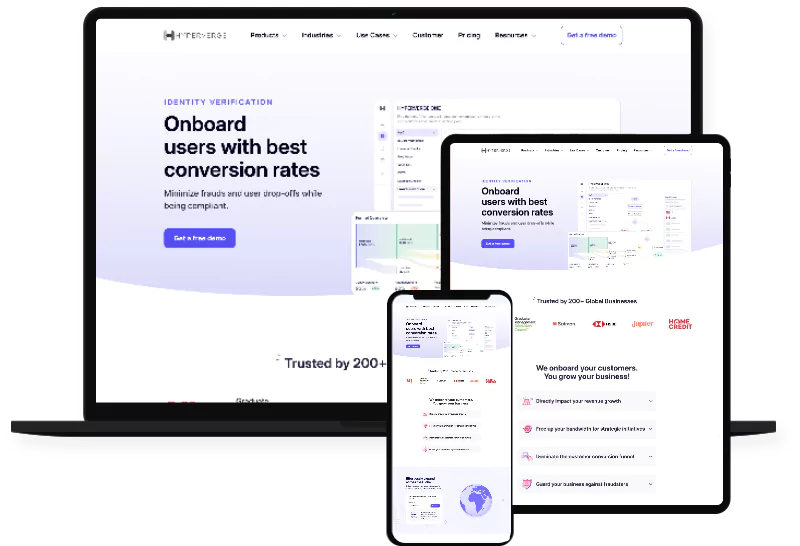
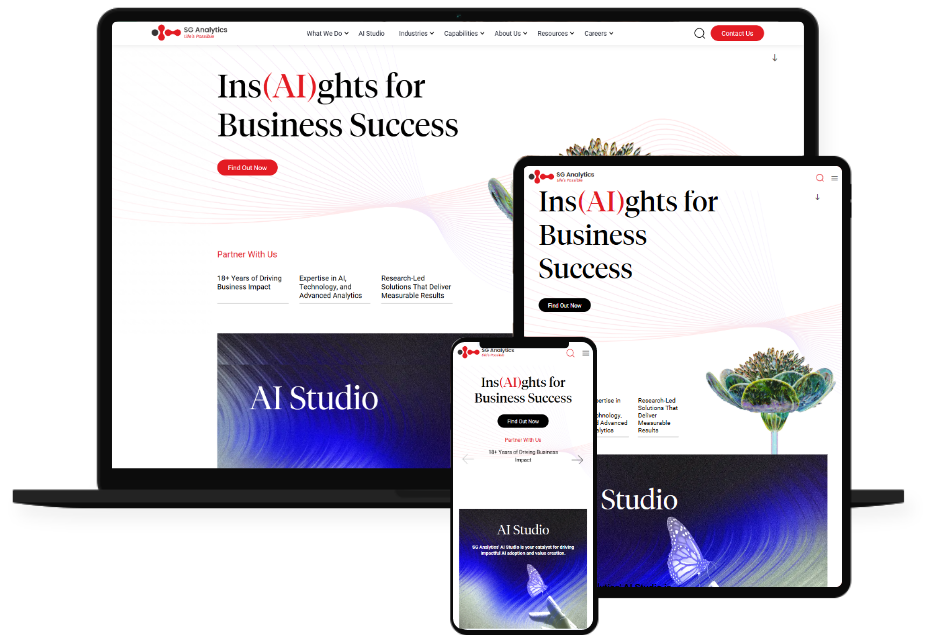
Case studies

Why choose us
01
Migration Experts
Extensive experience in transitioning websites from Webflow to WordPress with precision, including enterprise-scale WordPress solutions for complex organizations.
02
Tailored Solutions
Customized WordPress sites that align with your branding and business goals, whether you’re moving from Webflow or migrating from other CMS platforms to WordPress.
03
SEO & Performance
Optimize for search rankings and speed right from the start.
04
Dedicated Support
Post-migration assistance to ensure smooth operations and updates.
What Clients Say
View all testimonialsThe new website truly captures the innovation we stand for. It’s not just beautiful but also fast, scalable, and easy to manage. The migration to WordPress has unlocked so much potential for us to grow our online presence.

The new platform is intuitive, fast, and visually stunning. It aligns perfectly with our brand and offers a seamless booking experience for our customers. The team at WPoets Technology exceeded our expectations.

FAQs
Why should I move from Webflow to WordPress?
WordPress offers greater flexibility, scalability, and a vast ecosystem of plugins to expand your website’s functionality.
Will my data and design be preserved during migration?
Absolutely! We migrate your content, users, and important site structure to WordPress while recreating your website’s design to closely match the original look and feel. Because Webflow designs can’t be transferred directly, we carefully rebuild them in WordPress to ensure there are no layout issues and that everything functions as expected. We also make sure the new site is fully responsive, providing a seamless experience across desktops, tablets, and mobile devices.
How long does the migration process take?
Will there be any downtime during the migration?
To ensure a seamless user experience, we fully test the new website before launch and then switch your domain to the WordPress site by updating the DNS settings, keeping disruption to a minimum.
Do you provide training for WordPress after migration?
Yes, we offer training to help you confidently manage your WordPress site.


